AI Features
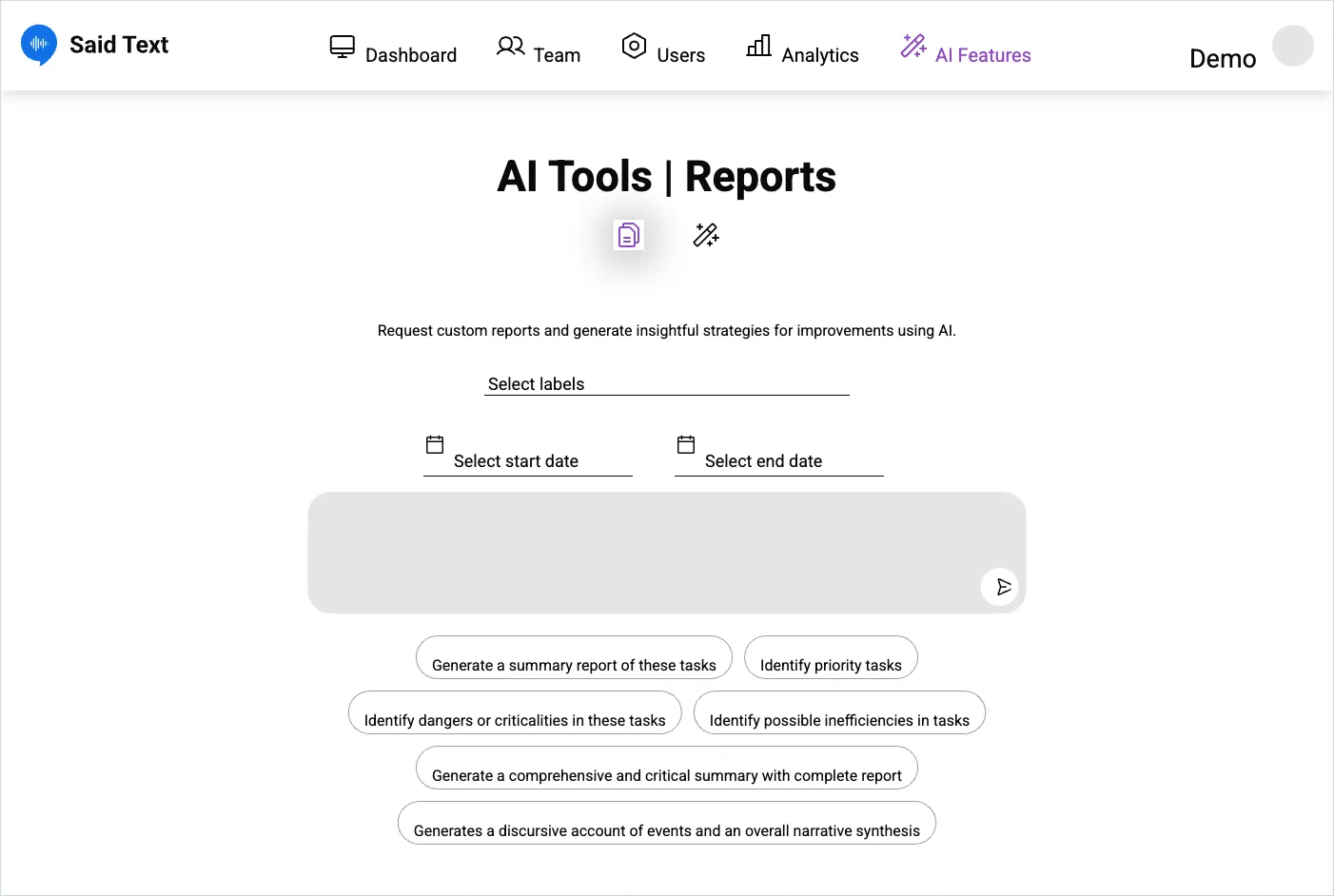
The AI Features area has two modes, selected by the two icons under the title. The page heading itself reads AI Tools | Reports — same place, two names.
Reports
Section titled “Reports”Generates reports and improvement strategies from your requests.
- Narrow the material: Select labels, Select start date, Select end date.
- Either type what you want in the request box, or use a quick prompt:
- Generate a summary report of these tasks
- Identify priority tasks
- Identify dangers or criticalities in these tasks
- Identify possible inefficiencies in tasks
- Generated reports are kept below, under Reports History.
A report is only as good as the transcriptions behind it. Reports over a period where recordings were poor will be correspondingly vague.
Settings
Section titled “Settings”- AI Sorting — uses keywords to sort requests on the board automatically. Processing takes a few minutes after saving, so the effect isn’t instant.
- AI Notifications — sends an email whenever a new request matches one of your keywords. This is the way to catch urgent words like a machine name or
leakwithout watching the board. - Keywords — added in the field and confirmed with Save. They drive both features above.
SaidText S.r.l. - VAT IT03035200348