Settings and language
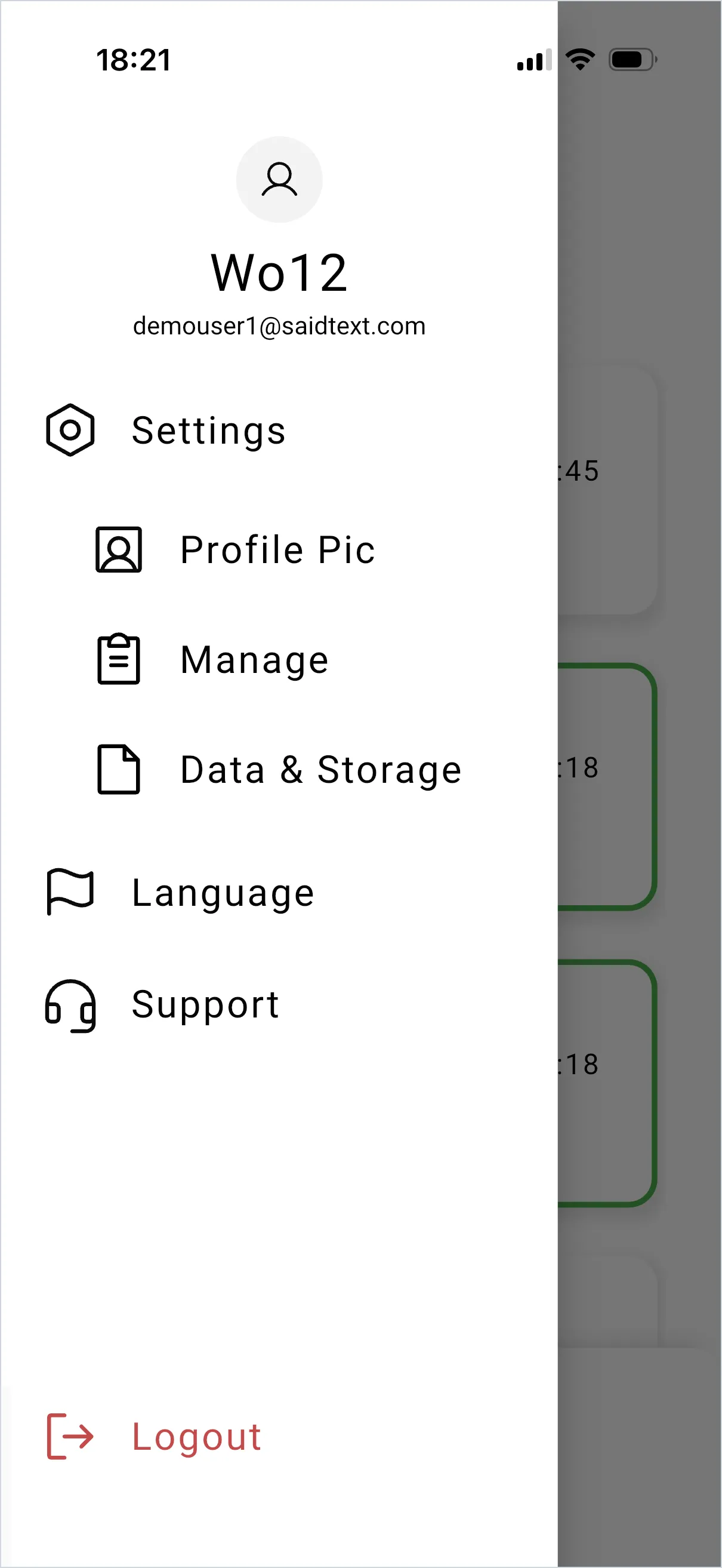
Tap the icon at the top left to open the menu.
What’s in the menu
Section titled “What’s in the menu”- Your name — tap it to change it.
- Settings — contains Profile Pic, Manage and Data & Storage.
- Language — switch between English and Italian.
- Support — use this when something isn’t working.
- Logout — signs you out of the app.
Change the app language
Section titled “Change the app language”Language, then pick English or Italian. This changes the app interface only. It does not translate your requests, and it does not change the language of the dashboard your back office uses.
Data & Storage
Section titled “Data & Storage”Voice notes and attachments accumulate. Data & Storage is where you review what the app is holding on your phone.
SaidText S.r.l. - VAT IT03035200348