Track a request
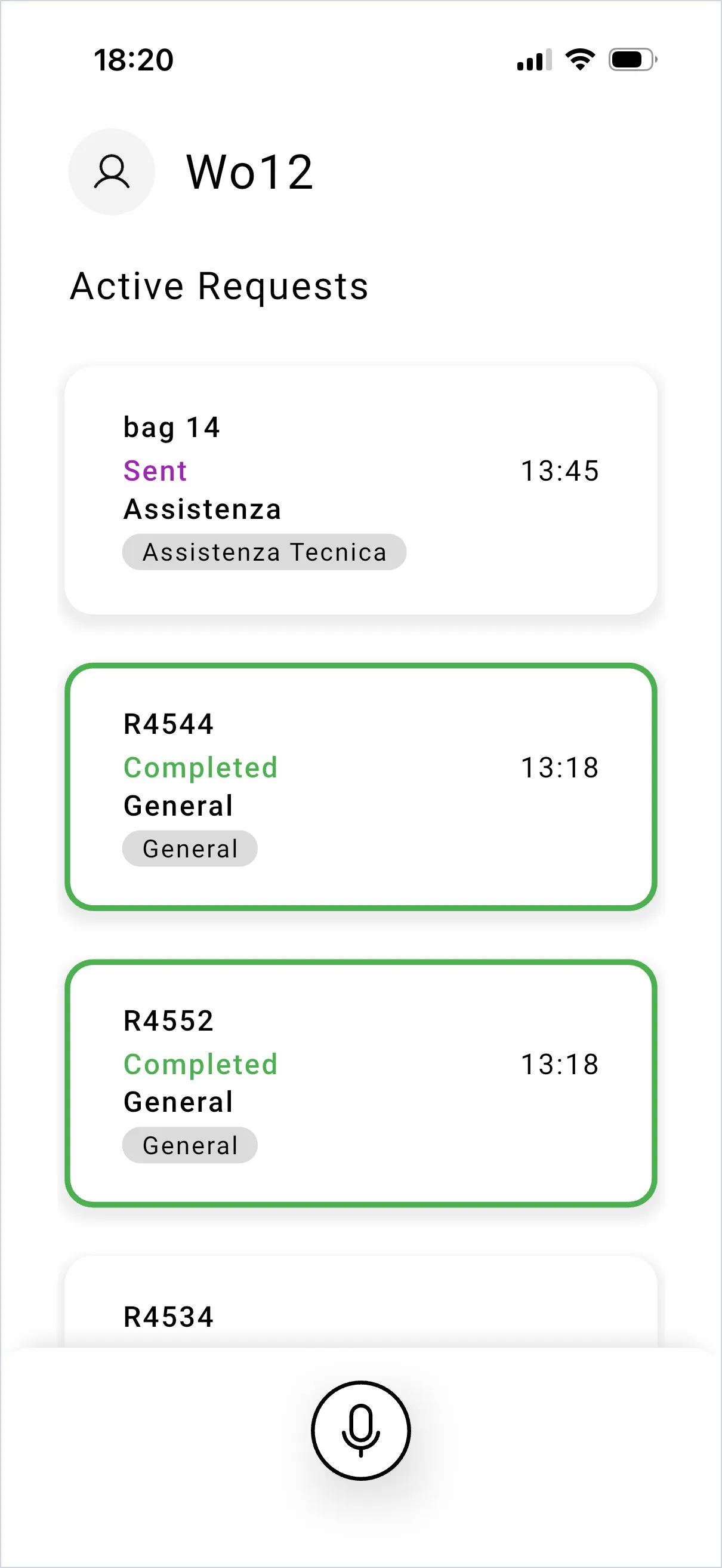
Active Requests lists your requests, most recent first, each with its status, department and labels. Completed ones are outlined in green.
What the statuses mean to you
Section titled “What the statuses mean to you”- Sent — it has arrived, nobody has picked it up yet.
- In Progress — someone has it and the chat is open.
- Completed — it’s resolved and closed.
The dashboard also uses Follow Up for work on hold, and Archived for closed work filed away. See the request lifecycle for the full picture.
Notifications
Section titled “Notifications”When someone takes your request, you get two notifications: the new reply in the chat, and a status update telling you the request is now In Progress. You get another when it is marked Completed.
Notifications need to be allowed for SaidText in your phone’s settings. If nothing arrives, see notifications not arriving.
Opening a request
Section titled “Opening a request”Tap it. You see the status badge at the top, More Details, and the conversation. From there you can reply and attach files.
SaidText S.r.l. - VAT IT03035200348