Team Members
Team lists the people who work in the dashboard. For each one: name, email, status, role and departments.
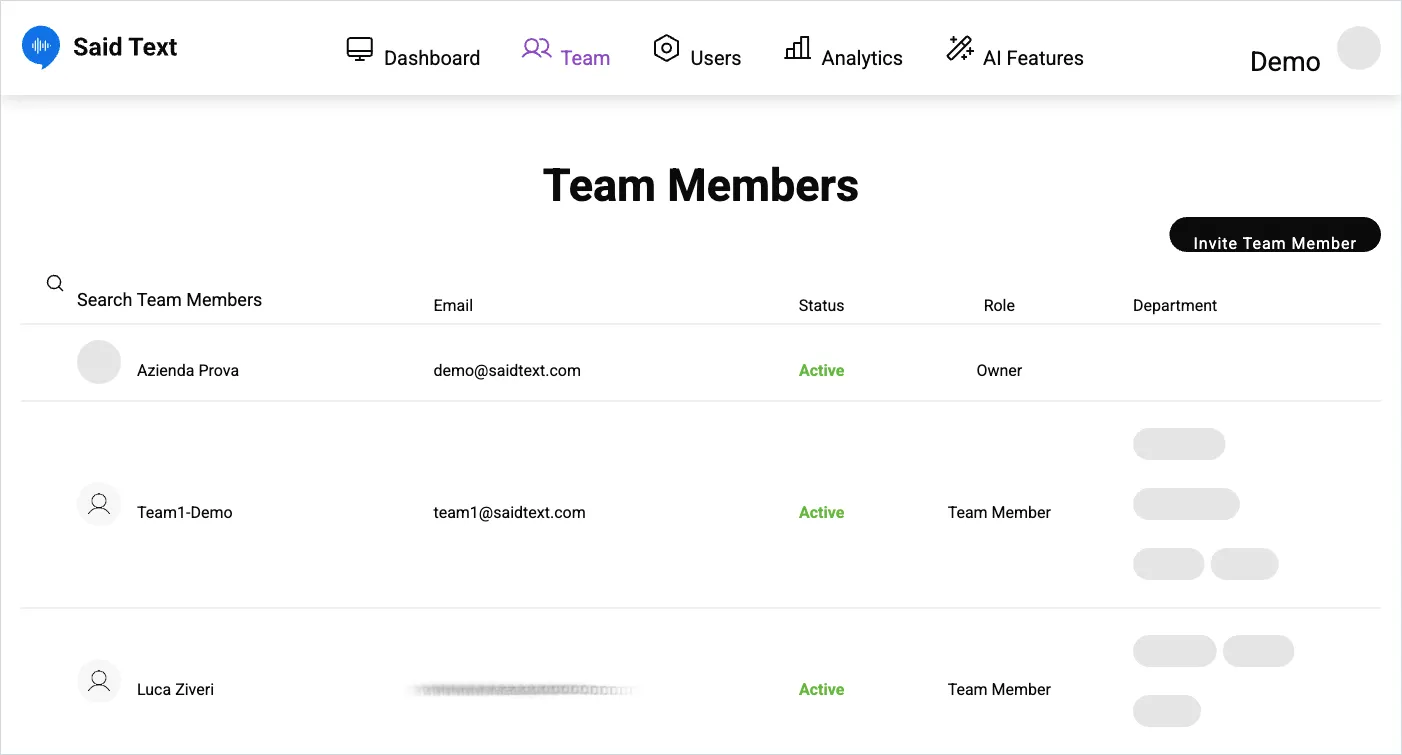
- Owner — full access, including account settings and plan.
- Team Member — handles requests.
Departments
Section titled “Departments”Each member is assigned one or more departments — Support, Commercial, General, Quality, Site, and whatever else you use. Departments decide which requests a member works with, so they matter more than they look: a member with no department set may see nothing useful.
Add someone
Section titled “Add someone”Invite Team Member, top right. They’re invited by email. Use the search box above the table to find people once the list grows.
SaidText S.r.l. - VAT IT03035200348