Users
Users lists the requesters: the people who send requests from the mobile app. For each one: name, Main Contact (email), Status and the number of Requests they’ve sent.
A user who has been invited but hasn’t signed in yet shows Invite Sent.
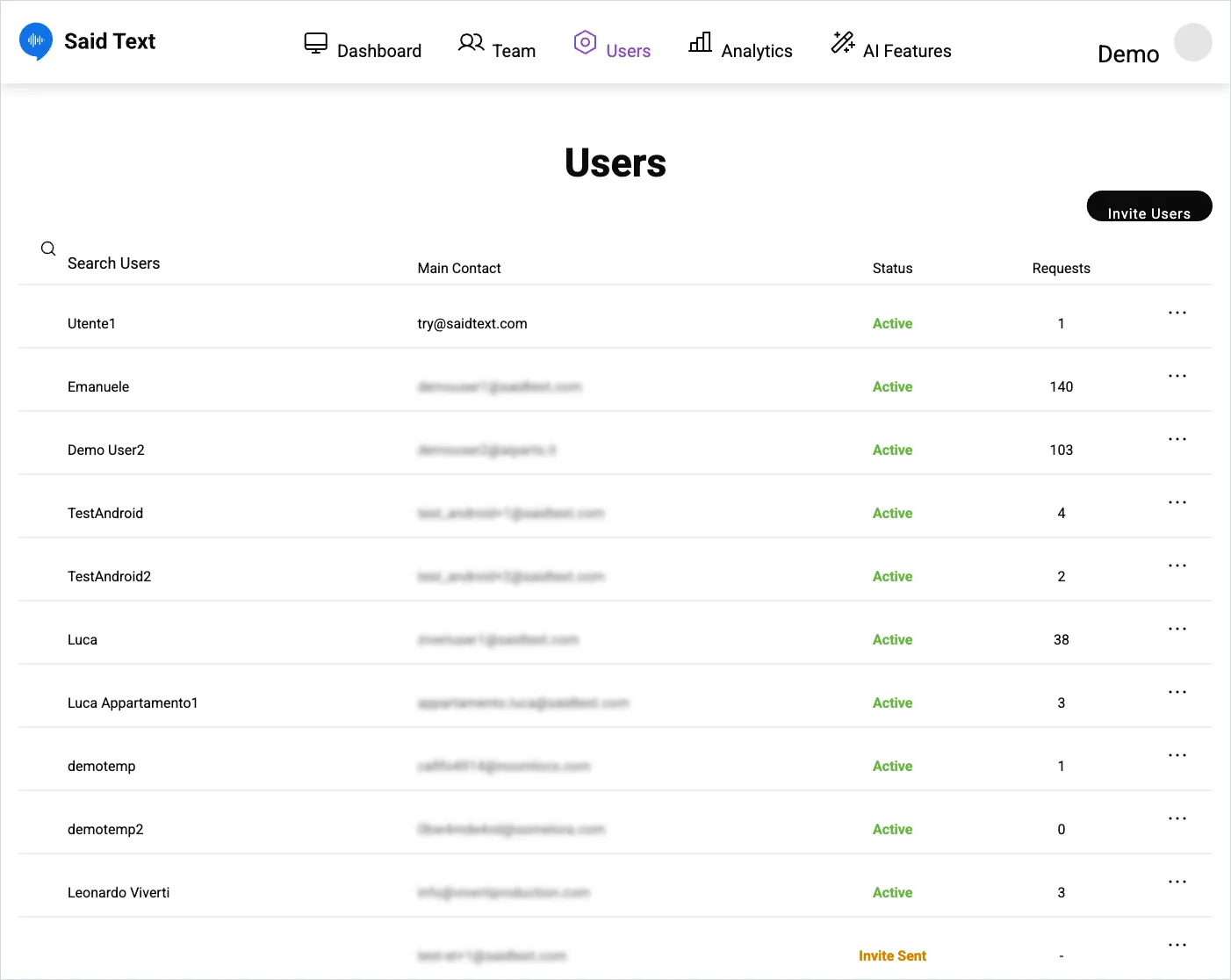
Row actions
Section titled “Row actions”The … menu on each row:
- View Requests — every request that user has sent.
- Department Visibility — which departments they can send to.
- Deactivate — suspends them. Their past requests stay.
Add someone
Section titled “Add someone”Invite Users, top right. They receive an email invitation and set their own password. See install and sign in for what they do next.
Department Visibility, and why it matters
Section titled “Department Visibility, and why it matters”By default a requester may be able to send anywhere. Narrowing visibility means requests arrive in the right place without the operator having to know your internal structure — which is the difference between a board that sorts itself and one somebody has to triage by hand every morning.
SaidText S.r.l. - VAT IT03035200348