Chat and attachments
Every request has its own conversation. Use it rather than starting a second request for the same problem — it keeps the history in one place.
Open the request and write in the bar at the bottom. The status badge at the top shows whether the request is In Progress, and More Details expands the request information.
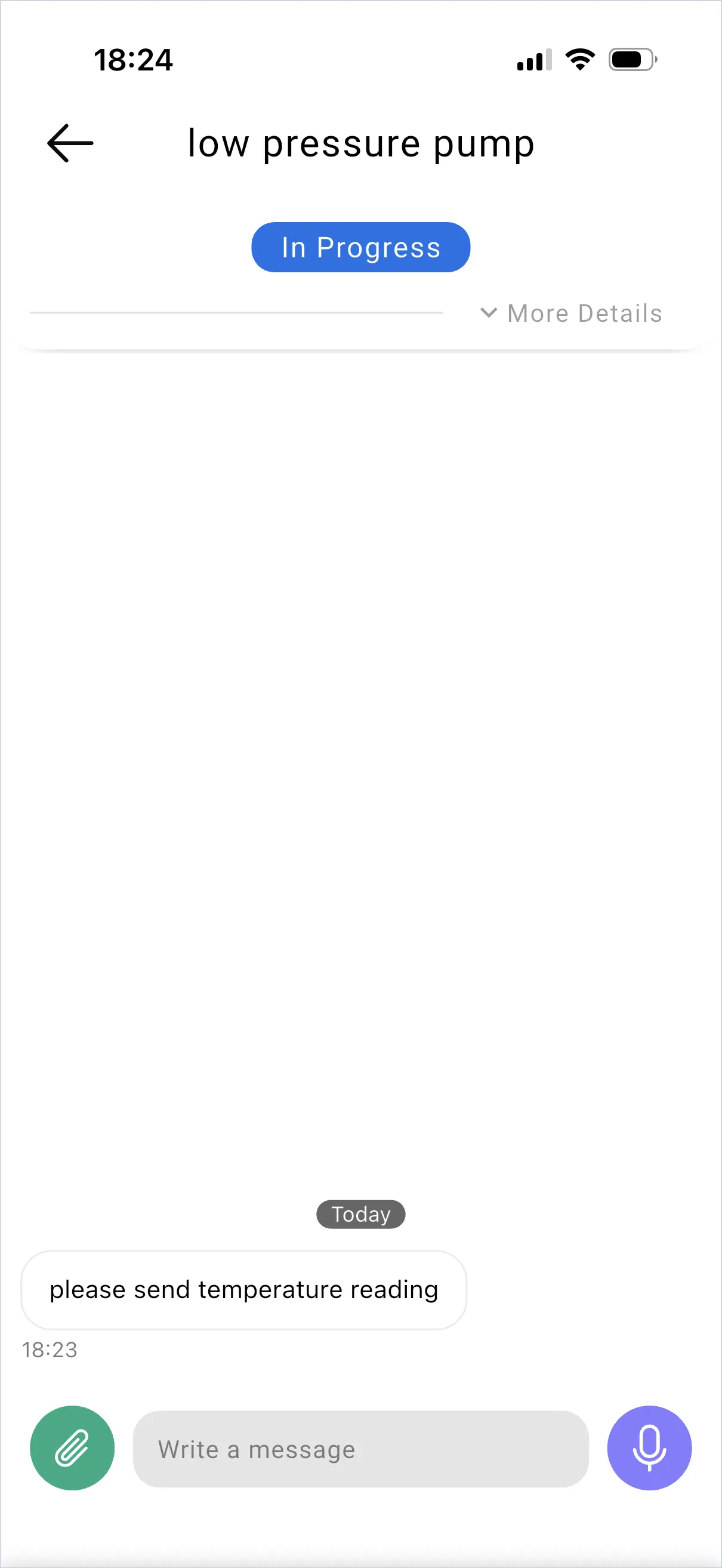
Attach a photo or file
Section titled “Attach a photo or file”Use the attachment button next to the message bar. Photos are the fastest way to settle a question about which part, which machine, or which label.
Attachments you add appear on the back-office side under Original Files.
Send a voice message
Section titled “Send a voice message”The microphone button in the message bar records a voice message inside the conversation, without creating a new request. Useful when explaining something is faster than typing it.
SaidText S.r.l. - VAT IT03035200348